Ready, Set, Robot!
Setting the Stage (Installation & Setup)
Theme: Setting the Stage — before we dive into robotics theory, code, and simulation, we ensure everyone has the right tools installed and configured. This week focuses on preparing development environments across Linux, Windows, and macOS.
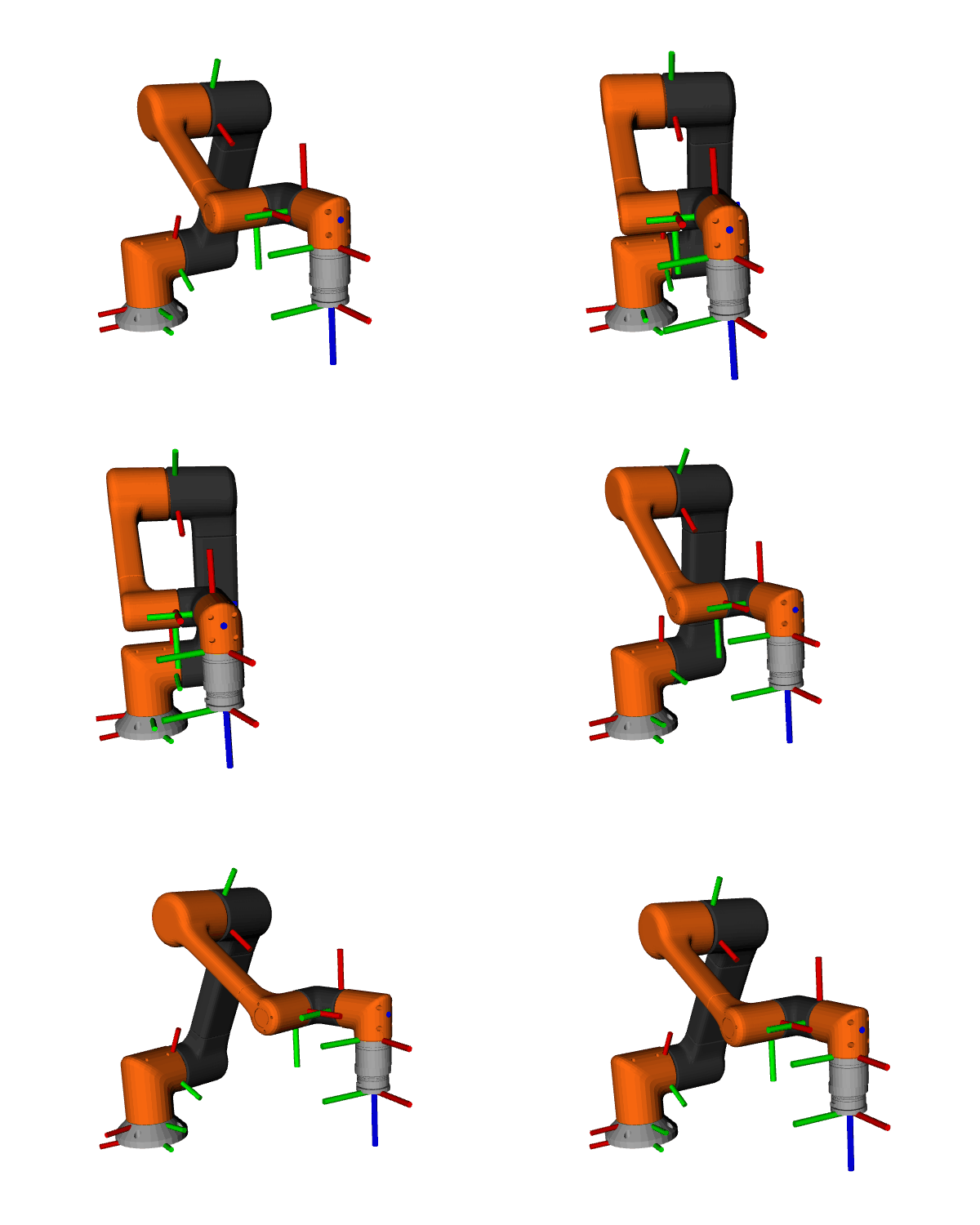
Focus
Install the necessary tools for the workshop: - Python 3.x, pip, and virtual environments - Git and GitHub setup - ROS 2 Humble/Foxy (Linux, Windows/macOS guidance) - Gazebo simulator - RViz2 visualization tool - Text editors/IDEs (VS Code recommended)
Learn basic command-line usage (Linux, macOS, Windows PowerShell).
Verify installations with test commands.
Learning Flow
Theory - Why Linux (Ubuntu) is the preferred OS for robotics. - Overview of ROS 2 distributions and system requirements. - Differences between Linux, Windows, and macOS setup.
Practical Setup - Linux:
Install ROS 2 from apt repositories.
Install Gazebo and RViz2.
Configure environment variables in .bashrc.
Windows: - Install Linux on windows using WSL is the best route but we can still run it straight on windows - Install Python and VS Code. - Install ROS 2 binaries for Windows (optional). - Set up PowerShell for GitHub and Python projects.
macOS: - Install Homebrew. - Install Python, Git, and dependencies. - Guidance for Docker-based ROS 2/Gazebo setup.
Verification - Run ros2 run demo_nodes_cpp talker and ros2 run demo_nodes_py listener. - Launch rviz2 successfully. - Run a sample Gazebo world.
Assignment
Install all required tools on your machine.
Verify by running ROS 2 talker/listener demo.
Push a screenshot of your working RViz2 session to your GitHub repo (with a short README describing your setup steps).
Takeaway
By the end of this week, all students will have a fully working development environment on Linux, Windows, or macOS. This ensures everyone starts on equal footing, ready to focus on learning robotics rather than troubleshooting installations.